
Real time strategy games classic fans usually want one thing: the old-school decision pressure and base-building rhythm, without the rough edges that make modern play sessions tiring. Remasters promise that, but not every “definitive edition” actually respects what made the original special.
If you have ever bounced off an older RTS because of tiny UI, awkward pathfinding, unstable multiplayer, or missing quality-of-life features, you are not alone. A good remaster can turn “nostalgia” into a game you genuinely play again, not just reinstall once and forget.
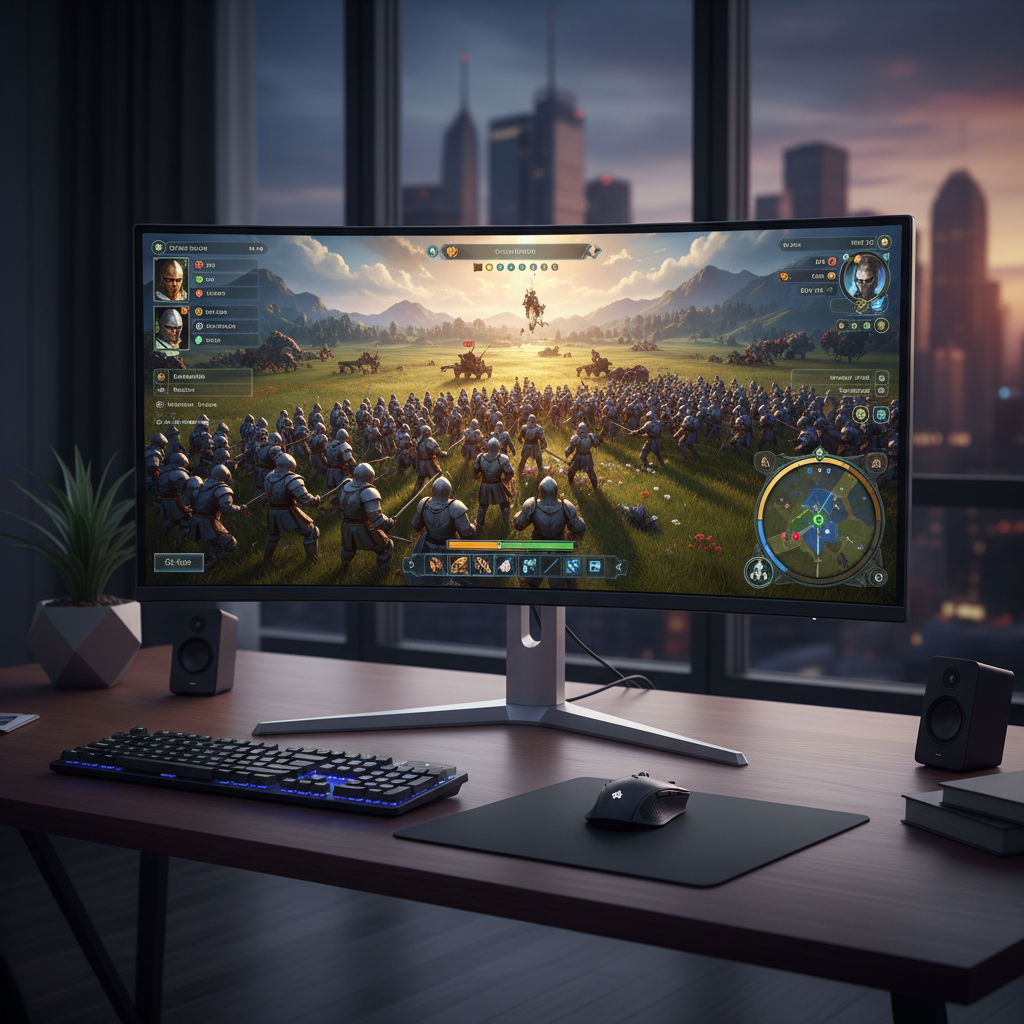
This guide breaks down what “remastered” should mean for RTS, how to quickly judge whether a release is worth your time, and the practical tweaks that make classic-style strategy feel smooth on a 2026 PC. I’ll also call out common traps, like confusing “remaster” with “remake,” or assuming updated graphics automatically fix competitive balance.
What a Remaster Should Actually Improve (and What It Shouldn’t)
In RTS, the game feel sits in small details: how fast you can read the battlefield, how reliably units respond, and how cleanly you can execute a build order. Remastering should target those friction points, without rewriting the identity of the game.
- Modern resolution and scaling: UI that stays readable at 1440p/4K, proper zoom options, and crisp sprites or textures.
- Controls and hotkeys: rebindable keys, improved group selection, optional modern conveniences like “select idle villagers.”
- Stability: fewer crashes, smoother performance on current hardware, and better alt-tab behavior.
- Multiplayer infrastructure: improved matchmaking, server stability, spectator tools, replays, and anti-cheat basics.
- Audio and readability: remixed audio, clearer alerts, and visual clarity during big fights.
What a remaster typically should avoid: changing unit roles, tech trees, or timing in a way that breaks muscle memory and community knowledge. Some balance tuning can be healthy, but heavy redesign moves you into “remake” territory, which is a different promise.
Why “Classic RTS” Still Hits: The Design Qualities People Miss
Part of why real time strategy games classic still attract players is that many older titles pushed you to think in trade-offs, not “always correct” metas. The genre’s golden-age pacing also feels different than many modern strategy hybrids.
- Readable economy loops: workers, supply, expansions, and clear risk when you over-greed.
- Sharp counters: rock-paper-scissors interactions that you can understand quickly, even while stressed.
- Short feedback cycles: scouting leads to a decision now, not 10 minutes later.
- Distinct factions: not just cosmetic variance, but different priorities and power spikes.
Also, classics often feel “honest.” When you lose, you usually know why: you missed scouting, floated resources, took a bad fight, or expanded late. That clarity is a big reason remasters matter, because modern presentation can bring that clarity back.
Quick Self-Check: Are You Better Off With a Remaster, a Remake, or the Original?
Before you buy anything, it helps to name what you want. Use this quick checklist to sort your situation.
If you should pick a remaster
- You want the original pacing and faction identity, just with modern convenience.
- Old UI scaling or camera behavior makes the original hard to play on your monitor.
- You care about online play, ladders, replays, or a living community.
If you should pick a remake
- You are okay with major redesign, new missions, or reimagined systems.
- You want modern visuals first, even if timing and balance change.
If you should stick with the original
- You want the exact historical version (including quirks) for nostalgia or competitive purity.
- Mods and community patches already solve your main pain points.

What to Look For Before You Buy: A Practical Feature Checklist
Store pages can be vague, and reviews often mix nostalgia with real technical issues. Try scanning for these specifics, because they map to day-to-day play quality.
- UI scaling and accessibility: slider-based scaling, colorblind modes, subtitle size, and icon clarity.
- Pathfinding and unit responsiveness: fewer traffic jams, better formation behavior, clearer command feedback.
- Replay system: replays that survive patches, timeline controls, fog toggles, and shareable files.
- Matchmaking and custom lobbies: ranked + unranked, region selection, reconnection support.
- Mod support: Steam Workshop or an equivalent, plus documentation and stable APIs.
- Campaign treatment: QoL for mission restarts, checkpointing (if appropriate), difficulty options.
According to Valve (Steamworks documentation and platform features), players rely heavily on built-in systems like updates, community hubs, and workshop pipelines for long-term engagement; for RTS remasters, that ecosystem support often matters as much as the graphics.
Remastered Classics Comparison Table (What “Good” Usually Includes)
This table is not a ranking, it’s a way to sanity-check a remaster’s scope. If a release misses too many “modern baseline” items, it may feel like an upscaled port instead of a real refresh.
| Area | Baseline expectation | Nice-to-have |
|---|---|---|
| Visuals | HD assets, clean animations, widescreen | Toggle classic/modern graphics, improved readability filters |
| UI & Controls | Rebindable hotkeys, scalable UI | Grid hotkeys, production queue helpers, better control groups |
| Performance | Stable frame pacing, modern OS support | Benchmark tool, advanced graphics options, low-latency modes |
| Multiplayer | Matchmaking, lobbies, basic anti-cheat | Observers, tournaments tools, robust reconnection |
| Content | Original campaigns + skirmish | New missions done in original style, curated community scenarios |
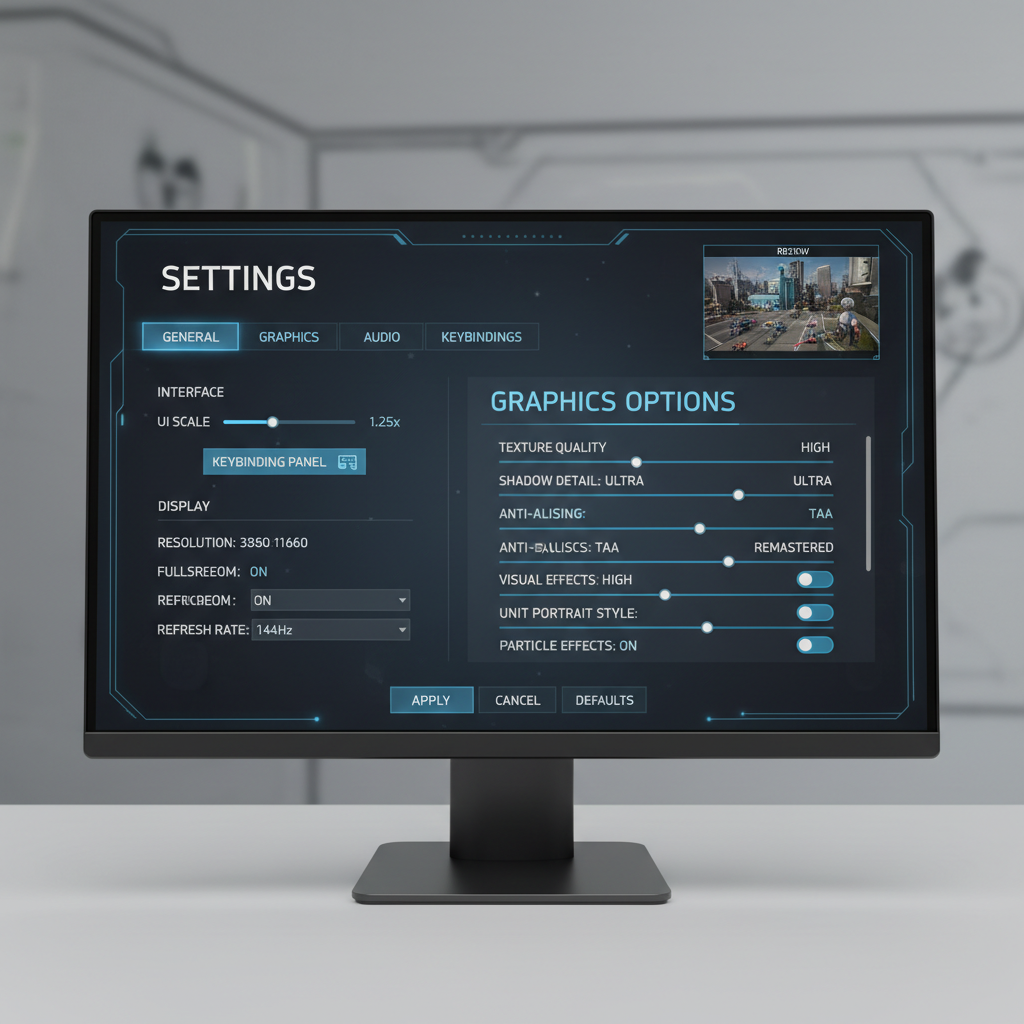
Hands-On Setup Tips: Make Classic RTS Feel Great on a Modern PC
Even strong remasters can feel “off” until you tune a few settings. This is the low-effort checklist that usually pays back immediately.
Display and clarity
- Set UI scaling so the minimap and resource bar are readable without squinting.
- If the game offers zoom levels, pick the one that keeps unit silhouettes distinct in fights.
- Cap FPS only if you see stutter; otherwise, stable frame pacing beats a high number.
Controls that reduce friction
- Rebind to a consistent scheme across games: camera keys, control groups, production, idle worker.
- Turn on “smart” selection tools only if they don’t hide information you rely on.
- Adjust mouse sensitivity so box-select feels precise, especially at high DPI.
Multiplayer sanity checks
- Test one custom match before ladder: audio cues, minimap pings, and hotkey conflicts show up fast.
- If you see desync or rubber-banding, try region selection or wired ethernet; if it persists, it may be server-side.
Common Mistakes When Shopping or Returning to Classic RTS
A few patterns show up again and again, especially for players returning after years away.
- Assuming “remastered” means “balanced”: competitive balance often takes months of patches and community feedback.
- Overvaluing graphics, undervaluing UI: crisp units look great, but unreadable control panels will drain you faster.
- Ignoring community tools: many real time strategy games classic communities live in mods, map packs, and discords, not in official announcements.
- Using modern habits in old pacing: some classics punish “always queue villagers” autopilot; scouting and timing matter more.
Also worth saying out loud: not every classic will feel good to everyone, even with a remaster. If you mainly enjoy modern QoL-heavy strategy, you might prefer a newer RTS that borrows classic ideas rather than a straight restoration.
Key Takeaways and What to Do Next
If you are chasing that classic RTS feeling, pick remasters that modernize real time strategy games classic fundamentals: readability, responsiveness, stability, and multiplayer support. Visual polish helps, but it should serve decision-making, not distract from it.
- Action step 1: Before buying, scan for UI scaling, replays, and multiplayer infrastructure, not just “HD graphics.”
- Action step 2: After installing, spend 10 minutes on hotkeys and UI scale, then play one skirmish to validate feel.
FAQ
What is the difference between an RTS remaster and an RTS remake?
A remaster usually keeps core systems intact while updating presentation, controls, and compatibility. A remake often reinterprets mechanics, pacing, and content, which can feel like a different game even if the theme matches.
Are remastered RTS games easier to learn than the originals?
Often, yes, because clearer UI, better tutorials, and modern hotkey support reduce friction. But the strategic difficulty usually stays, especially in multiplayer where experience gaps still matter.
Do remasters improve pathfinding and unit AI?
Sometimes, but not always. Many remasters focus on visuals and infrastructure; AI and pathfinding changes can be risky because they may alter balance and speedrunning or competitive metas.
How do I know if a remaster has an active multiplayer community?
Look for recent patch notes, official ladder seasons, and active community hubs. On PC, storefront community pages and external groups can be a better signal than marketing copy.
Should I buy the “definitive edition” or the cheapest version?
If you care about online play, the newest supported edition usually makes life easier. If you only want campaign nostalgia, the cheaper option can be fine, as long as it runs well on your system.
Are classic RTS remasters good for keyboard-only play?
Most RTS titles still expect a mouse for camera control and selection, even with excellent hotkeys. If you have accessibility needs, check for full rebinding and selection assists, and consider consulting a specialist if you use adaptive input devices.
What settings matter most for competitive play in remastered RTS?
UI scaling, hotkeys, camera speed, and stable frame pacing matter more than ultra settings. A clear minimap and consistent unit readability will usually improve decision speed.
Can I use mods safely in remastered classic RTS games?
Typically yes through official tools like Workshop-style systems, but it varies by title. Stick to well-maintained mods, read update notes, and remember that mods can break after patches.
If you are trying to get back into classic RTS but feel overwhelmed by versions, editions, and settings, a simple approach works: pick a remaster that prioritizes readability and multiplayer basics, then standardize your hotkeys so every session feels familiar.