
retro pixel art games on steam are easy to love and strangely hard to shop for, because the tag covers everything from cozy farming sims to punishing roguelikes and straight-up horror.
If you have ever stared at Steam’s store page thinking “I just want something that feels like the classics, but plays well on a modern PC,” you are not alone. Pixel art is a visual style, not a genre, so the real question is what kind of game loop you want behind the pixels.
This guide gives you a practical way to browse retro-style pixel games on Steam without doom-scrolling. You’ll get a quick table, genre-based picks, a checklist to self-filter, and a few buying tips that usually save time and money.

What people usually mean by “retro pixel art” on Steam
Most players mean one of three things, and mixing them up is how you end up refunding a game you “should have loved.”
- Classic-era look: NES/SNES/Genesis-inspired sprites, limited palettes, chunky animations, often paired with chiptune music.
- Modern pixel craft: still pixel art, but with richer lighting, smoother effects, and bigger sprite sheets, it feels “retro” without being strictly authentic.
- Retro design philosophy: short runs, arcade scoring, tight difficulty curves, secrets, speedrun-friendly structure, even if the art is updated.
Steam’s tags help, but they are crowd-sourced, so they can be noisy. According to Valve (Steam) documentation on tags and discovery, Steam tags are applied and voted by the community, which is great for breadth but not always precise for your specific taste.
Quick table: popular retro pixel art games on Steam by mood and loop
This is not “the only list,” it is a fast sorting tool. If you know your mood, you can usually pick better than chasing whatever is trending.
| What you want | Game examples on Steam | Why it fits | Heads-up |
|---|---|---|---|
| Exploration + atmosphere | Stardew Valley, FEZ, Owlboy | Strong sense of place, satisfying discovery | Pacing varies a lot between titles |
| Tough-but-fair action | Celeste, Dead Cells, Katana ZERO | Precise controls, fast restarts, skill growth | Difficulty spikes can be real |
| Strategy with crisp visuals | Into the Breach, Wargroove | Readable grids and clean feedback | Some runs feel puzzle-like, not “war-like” |
| Story-forward and emotional | Undertale, To the Moon | Character-driven writing that sticks | Not every player clicks with the tone |
| Co-op chaos | Broforce, Risk of Rain Returns | Easy to pick up, fun with friends | Solo play may feel grindy |
| Retro horror tension | Faith: The Unholy Trinity | Lo-fi style used for dread, not nostalgia | Content themes may be intense for some |
Curated picks (with the “why” that actually matters)
Below are well-known titles you can usually find quickly in Steam search. I’m focusing on what you get moment-to-moment, because “pixel art” alone tells you almost nothing.
Platformers and action that feel great on keyboard or controller
- Celeste: tight platforming with generous assist options, so you can choose challenge level without losing the core experience.
- Shovel Knight: Treasure Trove: classic stage-based structure with modern polish, lots of content if you like “one more level.”
- Katana ZERO: fast, violent, stylish, built around quick retries and momentum, more “play a perfect run” than “slowly grind stats.”
If you mainly want responsive movement, check reviews for words like “input,” “tight,” “floaty,” and “latency.” Those terms usually reveal whether the feel matches your preference.
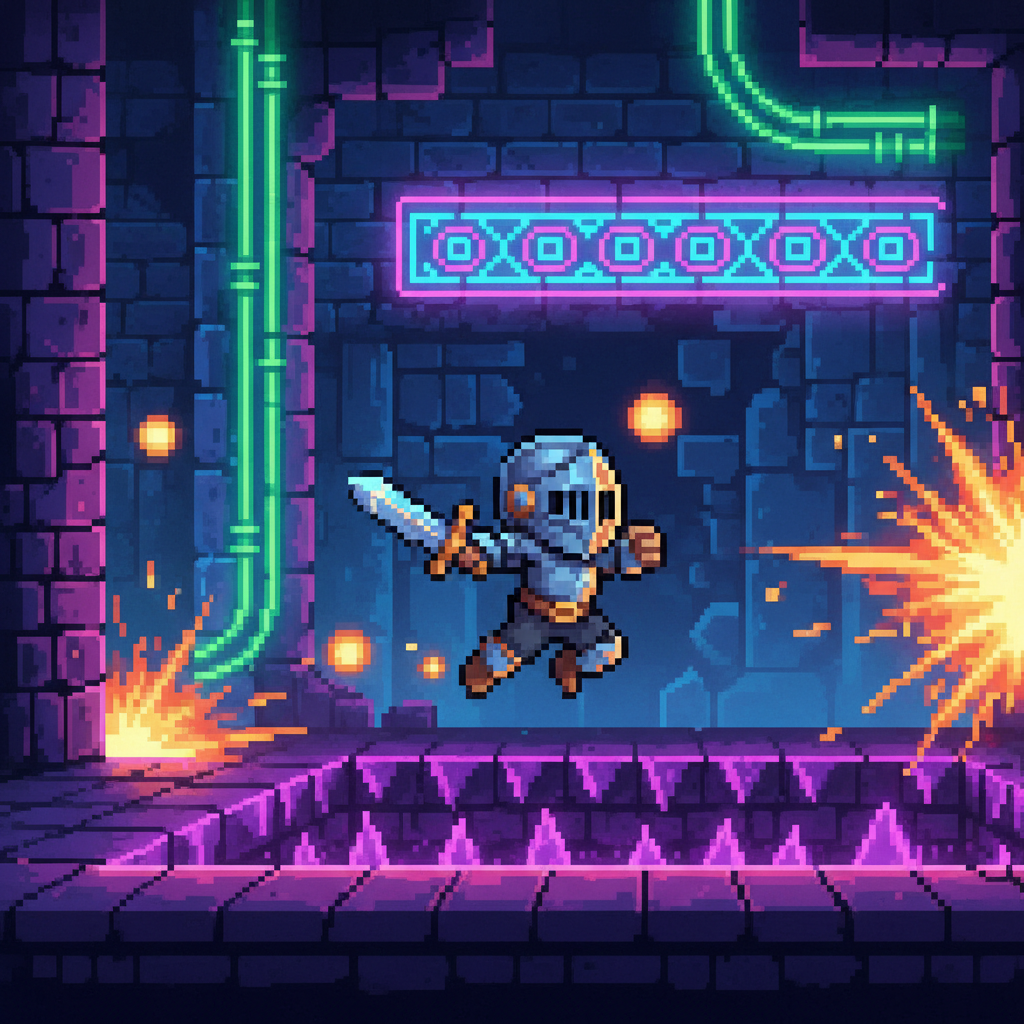
Roguelike and roguelite loops for “one more run” nights
- Dead Cells: high-speed combat and build variety, the loop rewards learning enemy patterns more than memorizing one route.
- The Binding of Isaac: Rebirth: chaotic item combos and dark humor, it is a staple if you enjoy weird synergies and huge replay value.
- Enter the Gungeon: bullet-hell dodging with punchy guns, great if you like skill expression and dense enemy rooms.
Here’s the honest filter: if you hate repeating early levels, prioritize games with strong meta-progression, difficulty options, or short run times. If you love mastery, pick the ones that stay strict.
Cozy, crafting, and “low-stress retro”
- Stardew Valley: farming and relationships with a calming rhythm, plus it scales from casual to surprisingly deep.
- Terraria: exploration and crafting with constant discovery, it can be chill or intense depending on how you play.
For this category, mod support and community guides matter more than you might expect. A cozy pixel game with good quality-of-life mods can feel “new” for years.
Strategy and tactics where pixel art improves clarity
- Into the Breach: small maps, perfect information, every move feels like a puzzle, ideal when you want strategy without long campaigns.
- Wargroove: turn-based battles with charming sprites, best when you want that “Advance Wars” vibe on PC.
On Steam, look for tags like Tactical, Turn-Based, and Strategy, then read a few negative reviews too. They often tell you whether a game becomes repetitive after the first few wins.
Narrative pixel games that stick with you
- Undertale: a landmark for choice-driven moments and music, still worth playing unspoiled if you somehow missed it.
- To the Moon: more story than mechanics, great if you want a short, focused emotional arc.
If you are buying for story, check whether the game supports your preferred language and whether it relies on timing-based mini-games, because that mix can be frustrating for some players.
A quick self-checklist before you buy
This takes two minutes and prevents most “why didn’t I like this” purchases, especially when you are browsing retro pixel art games on steam during a sale.
- Time budget: do you want a 5–10 hour finish, or a 100-hour hobby?
- Failure tolerance: are you okay dying often, or do you prefer steady progression?
- Control preference: keyboard only, controller, or either?
- Vibe: cozy, tense, funny, grim, nostalgic, or modern neon?
- Focus: combat mastery, exploration, crafting, story, or puzzles?
- Motion and effects: heavy screen shake, flashes, rapid camera moves, if those bother you, check accessibility options and settings.
Accessibility is not a “nice extra,” it is often the difference between a great weekend and an instant uninstall. According to Xbox accessibility guidance (XAGs), giving players options such as remapping controls and adjusting visual effects can meaningfully reduce barriers, and many PC-friendly indies now mirror that thinking.
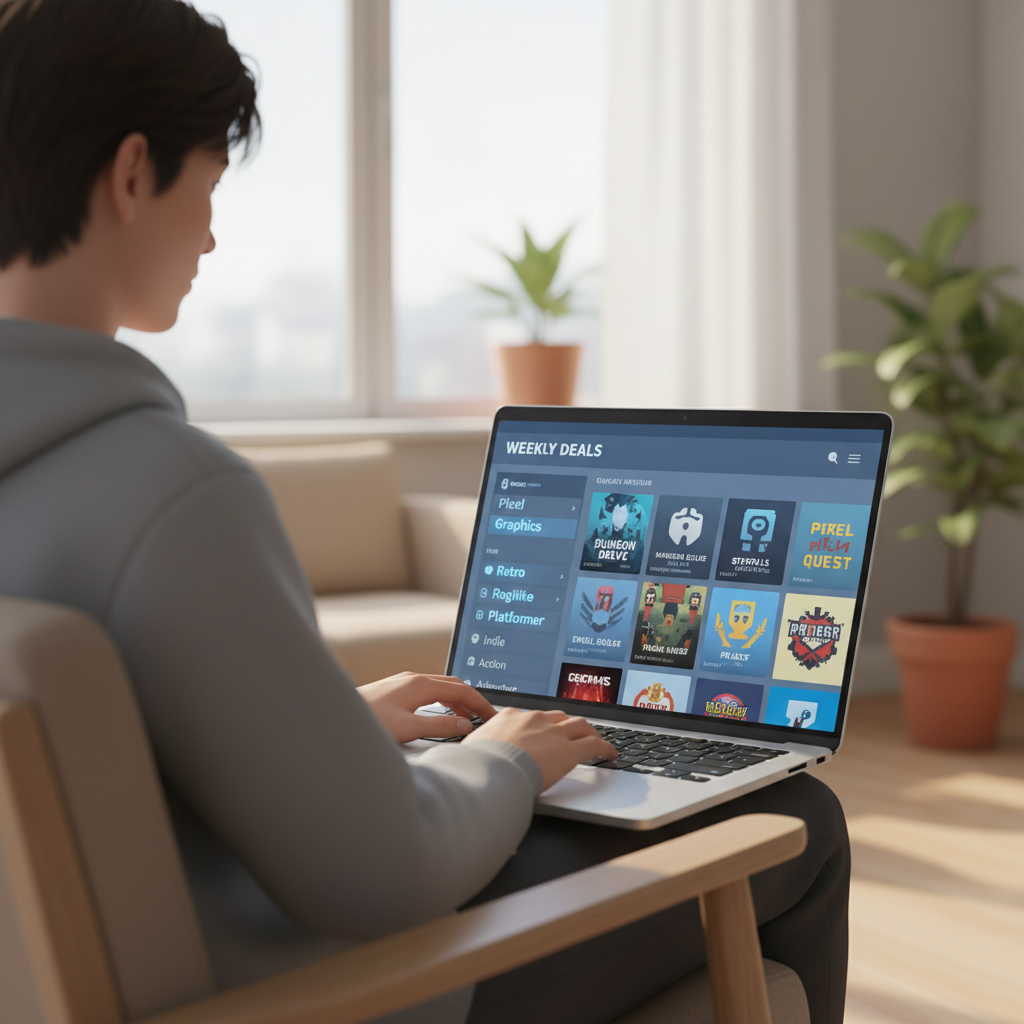
How to find better matches on Steam (practical search moves)
Steam discovery works, but you usually get the best results when you combine tags with one “dealbreaker” filter.
- Start with one strong tag pair: “Pixel Graphics” + “Metroidvania,” or “Pixel Graphics” + “Turn-Based Tactics.”
- Use the store’s exclusion mindset: hide the tags you know you dislike, like “Bullet Hell” or “Grinding,” then browse again.
- Sort by user reviews, then sanity-check: “Very Positive” is helpful, but read a few critical reviews to see recurring complaints.
- Watch for demo and refund friendliness: some indies offer demos during festivals, and Steam’s refund rules may help if you stay within the time window. According to Valve (Steam), refunds are generally available for titles played under two hours and purchased within 14 days, with some exceptions.
One more trick: when you find one game that nails your taste, scroll to “More Like This,” then open several candidates in new tabs and compare tags side by side. It sounds basic, but it is faster than bouncing through the algorithm blind.
Common mistakes (and what to do instead)
- Mistake: buying on art style alone. Pixel art can be chill or brutal. Instead, decide your core loop first, then pick the look.
- Mistake: ignoring control feel. A platformer with slightly off movement will annoy you for hours. Instead, watch 30 seconds of raw gameplay and skim control-related reviews.
- Mistake: assuming “retro” means short. Many modern retro-style games are huge. Instead, check “HowLongToBeat-style” expectations via community discussions, not just the store blurb.
- Mistake: not checking settings. Screen shake, flashing, tiny UI, those are real issues. Instead, look for accessibility notes or settings screenshots, and adjust before you start.
If you are sensitive to flashing lights or intense motion effects, it may be wise to adjust settings or avoid certain titles, and if you have a medical concern, consider asking a qualified professional for personalized guidance.
Key takeaways and a simple next step
Shopping retro pixel art games on steam gets easier once you stop treating “pixel art” as the decision and start treating it as the wrapper. Pick your loop, confirm the feel, then use tags and reviews to refine.
If you want a quick next step, choose one category from the table above, open three candidates on Steam, and compare only these items: core tags, recent review tone, and whether controls and difficulty match your tolerance.
FAQ
What are the best retro pixel art games on Steam for beginners?
If you want low friction, look for games with adjustable difficulty or assist options, and a clear early-game tutorial. Cozy picks like Stardew Valley are common entry points, while action picks like Celeste can work well because you can tune the challenge.
How do I search retro pixel art games on Steam without getting random results?
Use “Pixel Graphics” plus one gameplay tag like “Metroidvania” or “Turn-Based.” Then exclude tags you dislike. The narrower your gameplay intent, the less noise you get from the art-style umbrella.
Are pixel art games on Steam usually indie?
Many are indie because pixel art can be a practical production choice, but it is not exclusively indie. What matters more is whether the game has strong support, clear patch notes, and stable performance on your PC.
Which retro pixel art games on Steam are good for co-op?
Broforce is a straightforward pick for chaotic couch-style energy, and Risk of Rain Returns often works if your group likes run-based progression. Before buying, confirm whether the co-op is local, online, or both.
How can I avoid buying a game that feels too hard?
Check reviews for consistent notes about difficulty spikes, then look for accessibility settings and difficulty modes. Also, watch a short gameplay clip from the first hour, that usually shows the baseline challenge.
Do retro pixel games run well on older laptops?
Often yes, but not always, because modern lighting effects and physics can raise requirements. Compare the minimum specs to your hardware, and scan recent reviews for performance complaints on similar systems.
Is it safe to rely on Steam’s refund policy for trying games?
It can help as a safety net, but you still want to do quick research first. According to Valve (Steam), refunds are generally available within 14 days with under two hours of playtime, and some edge cases may differ.
If you are building a small “retro night” library and want a more effortless shortlist, consider saving a few tag combinations, then revisiting them during seasonal sales so you can compare similar retro-style titles at once instead of impulse-buying.