
best game launchers for pc 2026 is less about finding “one app to rule them all” and more about picking the launcher that fits how you actually buy, install, and play games on a Windows PC.
If you jump between Steam, Epic, Xbox PC, and a couple of publisher apps, the pain is familiar: too many logins, fragmented libraries, duplicate overlays, and downloads that never happen when you want them to. The right launcher setup cuts friction, keeps updates predictable, and makes controller and cloud saves less of a coin flip.
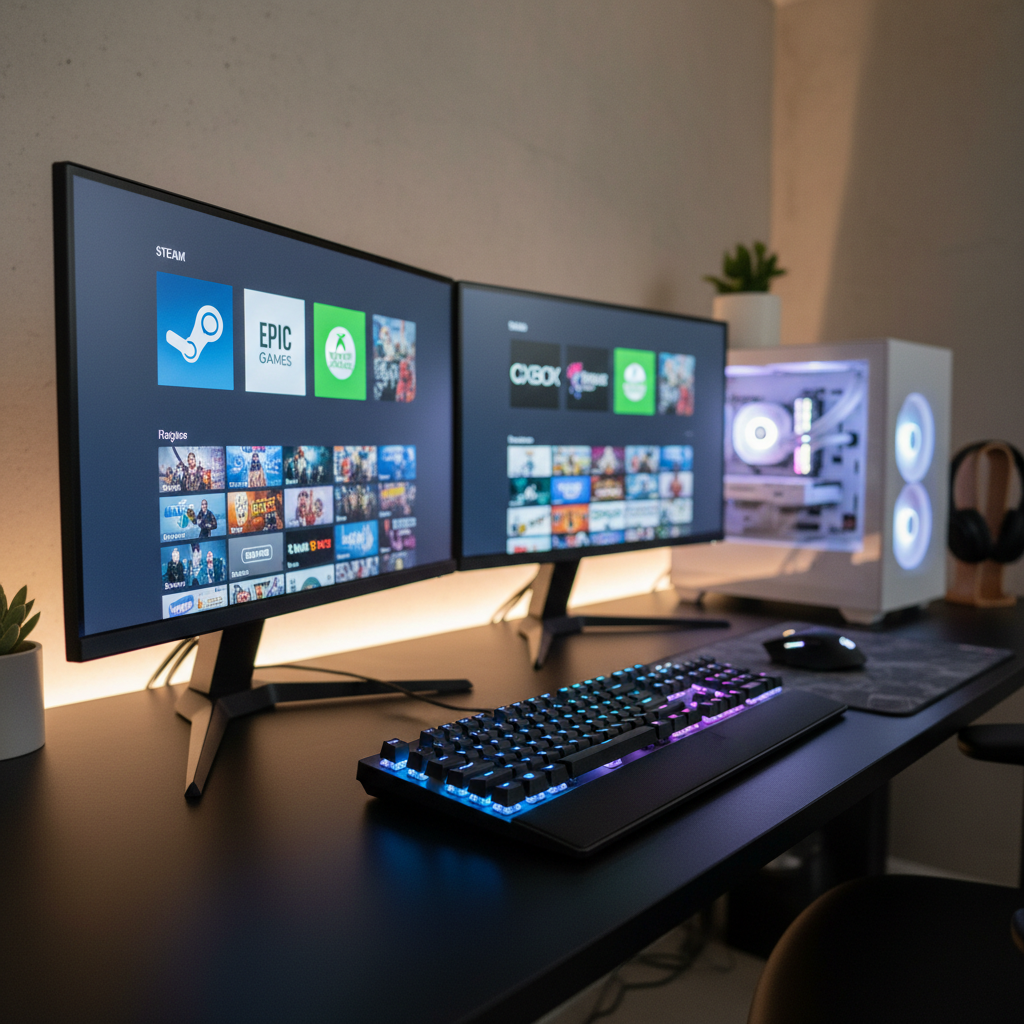
Below is a ranked, practical look at what matters in 2026: library size versus exclusive access, download reliability, social features, handheld/TV play, and how much “launcher overhead” you can tolerate before it starts stealing time from games.
Quick ranking: best game launchers for PC in 2026
If you want the short version, this table is the fastest way to narrow choices. Rankings assume a typical US PC gamer with a mixed library, not a single-store loyalist.
| Rank | Launcher | Best for | Watch-outs |
|---|---|---|---|
| 1 | Steam | Largest PC ecosystem, features, controller/Big Picture | Sales-first storefront can get noisy |
| 2 | Xbox App (PC) + Game Pass | Subscription value, cross-play/cross-save in many titles | Install paths and permissions can feel opaque |
| 3 | Epic Games Launcher | Exclusives, free game drops, Unreal ecosystem | Library management still simpler than Steam |
| 4 | GOG Galaxy | DRM-light mindset, classic games, optional integrations | Integrations vary, sometimes break after updates |
| 5 | Battle.net | Blizzard games, stable patching for its catalog | Not meant as a universal library |
| 6 | EA app | EA catalog, EA Play tie-ins | Account linking and background services can annoy |
| 7 | Ubisoft Connect | Ubisoft titles and rewards | Extra layer even when you buy elsewhere |
How we ranked them (what actually matters in 2026)
A launcher can be “popular” and still be wrong for you. For best game launchers for pc 2026, the decision usually comes down to a few real-world factors.
- Library reality: where you already own games, and where you expect to buy next.
- Download and patch reliability: speed matters less than consistency and recovery when something fails.
- Feature overhead: overlays, recording, chat, stores, news feeds. Helpful until they start competing for resources.
- Controller/couch play: whether it behaves nicely on a TV, handheld PC, or with Steam Input-style remapping.
- Account and privacy tolerance: how many sign-ins, what data sharing you accept, and how hard it is to opt out.
According to the Microsoft Support documentation, Windows gaming app installs and permissions can differ by app type and settings, which is one reason some launchers feel “weird” when you try to move games between drives or folders.
Rank #1: Steam (still the default PC launcher)
Steam stays at the top because it solves the boring problems well: installs, updates, rollback-ish workarounds, controller mapping, and a library that does not fight you. For many people, it becomes the “home screen,” even if they buy elsewhere.
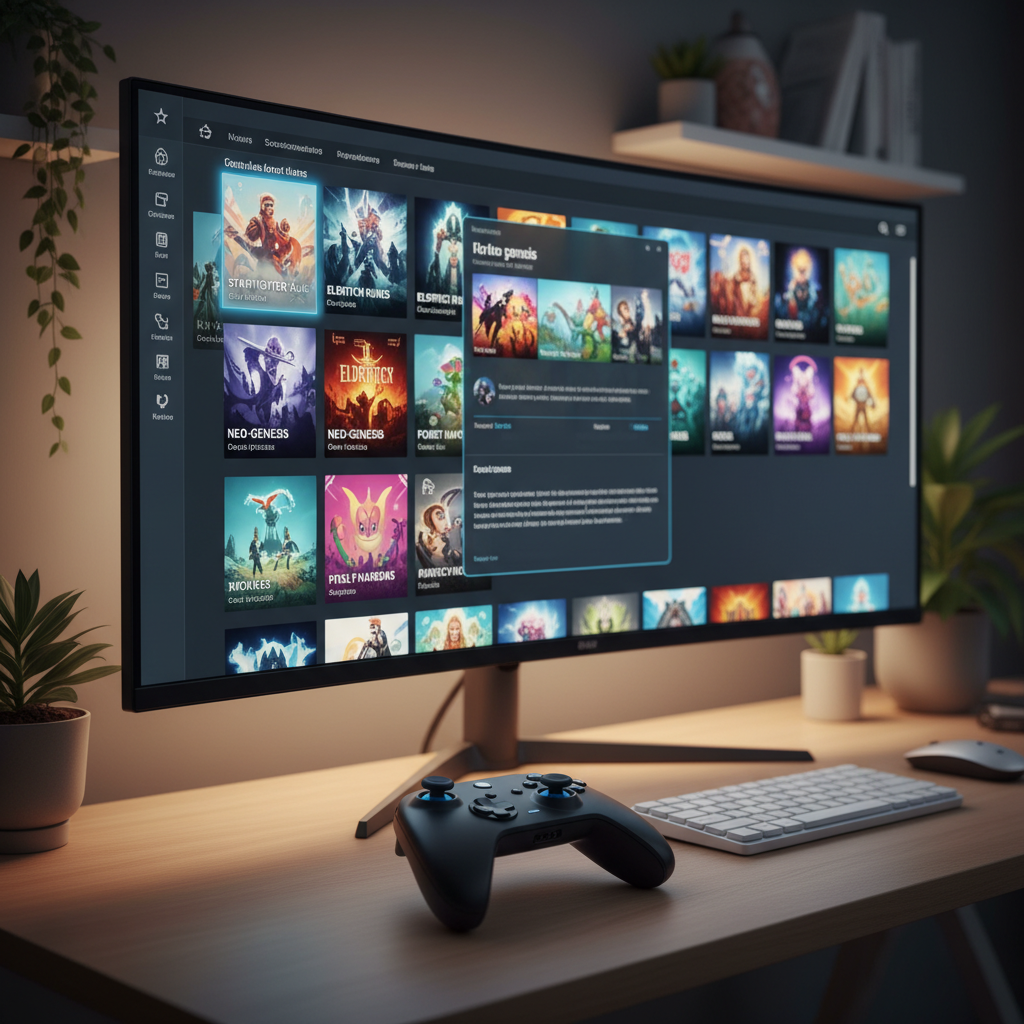
Why it ranks high: Steam Input for controller support, Remote Play options, Workshop for mods (where supported), and a mature social layer. The client can be heavy, but it’s predictable heavy.
Who should pick Steam as “primary”
- You play a wide mix of indie and AAA.
- You care about controller remapping, especially for oddball games.
- You want one launcher to manage most installs and updates.
Small tweaks that help
- Turn off unneeded in-game overlay pieces if you value performance over convenience.
- Use library categories to separate “installed,” “multiplayer,” and “finish later.”
Rank #2: Xbox App (PC) + Game Pass
If your goal is “play more, buy less,” the Xbox app plus PC Game Pass is hard to ignore in 2026. The wins are obvious when you like sampling new releases, co-op hopping, and rotating through genres.
Where people get stuck: installs to secondary drives, permissions, and the feeling that Windows and the launcher share responsibility for problems. It’s not always intuitive who to blame, which makes troubleshooting slower.
Best-fit scenarios
- You want a subscription pipeline of new games.
- You play Microsoft first-party titles or cross-platform games that support cross-save.
- You’re fine with the app being tightly integrated with Windows.
According to Xbox Support, game availability and features like cloud saves can vary by title and region, so it’s smart to check the store page details before you commit your time to a long campaign.
Rank #3: Epic Games Launcher
Epic’s launcher is still a “must install” for many PCs because exclusives and regular promotions pull you in, even if you prefer another main hub. It’s also relevant if you create content or follow Unreal Engine-adjacent communities.
Where it trails: deeper library tools, discovery that doesn’t feel like a storefront first, and fewer quality-of-life touches than Steam for power users.
When Epic makes sense
- You collect the free titles and actually play a portion of them.
- You follow specific exclusive releases.
- You don’t need advanced controller features in the client.
Rank #4: GOG Galaxy (best “collector” vibe, with caveats)
GOG Galaxy is the most appealing when you want a calmer, library-first experience and you like the DRM-light philosophy where it applies. The integration idea is great on paper: pull multiple libraries into one view.
The catch is reliability. Integrations can break after platform updates or login changes, and you may spend time re-authing accounts. If you love tinkering, it’s fine. If you want zero maintenance, keep expectations realistic.
Good fit
- You own older PC games and want a cleaner shelf for them.
- You prefer DRM-light purchases when available.
- You want a library view that feels less like a store.
Publisher launchers: Battle.net, EA app, Ubisoft Connect (install only if you need them)
Publisher clients do one job well: they run the publisher’s games. They tend to be stable within that lane, but they rarely replace a main launcher unless your playtime is heavily concentrated in one ecosystem.
- Battle.net: great if you live in Blizzard games; patching and account handling are usually straightforward.
- EA app: necessary for many EA titles; can be fine day-to-day, but account linking and background processes are common complaints.
- Ubisoft Connect: required for Ubisoft; rewards and cross-progression features help, but it often feels like an extra step when you bought the game elsewhere.
According to Electronic Arts Help and Ubisoft Support, account linking and entitlement validation can affect access to purchased content, so keeping emails, two-factor settings, and linked accounts tidy prevents a lot of “why is my game missing” moments.
Self-check: which launcher setup should you use?
If you feel stuck choosing, this quick checklist usually clarifies the answer faster than any ranking.
- I buy most games during seasonal sales → Steam as primary, others as needed.
- I want variety without buying every month → Xbox app + Game Pass as primary, Steam secondary.
- I chase exclusives and promos → Epic plus your existing main library launcher.
- I care about classic PC games and ownership flexibility → GOG Galaxy plus Steam.
- I only play a publisher’s big two games → install that publisher launcher, keep everything else minimal.
Practical setup steps (less clutter, fewer conflicts)
This is the part most people skip, then wonder why their PC feels “launcher-heavy.” A little housekeeping goes far.
1) Pick one “home” launcher
Even if you keep multiple clients, choose one place you default to for browsing, friends, and controller settings. For most, that’s Steam or the Xbox app.
2) Reduce background noise
- Disable auto-start for launchers you use once a week.
- Turn off duplicate overlays (recording, FPS counters) so they don’t stack.
- Limit auto-update windows if your connection or data cap is sensitive.
3) Standardize install locations
- Use one fast SSD location for “currently playing.”
- Use a larger secondary drive for “installed but not urgent.”
- Keep 10–20% free space on game drives when possible, patching often needs room to breathe.
4) Treat accounts like part of the setup
- Enable two-factor authentication where offered.
- Use a password manager if you juggle multiple stores.
- Check linked accounts (Steam/Epic/Xbox) before a major launch weekend.
Common mistakes (and what to do instead)
- Mistake: installing every launcher “just in case.” Do instead: install on demand, then disable auto-start.
- Mistake: blaming “slow downloads” on one app immediately. Do instead: compare at the same time of day, check server status pages, and confirm your drive isn’t the bottleneck.
- Mistake: stacking overlays (Discord + GPU overlay + launcher overlay). Do instead: keep one overlay you trust, disable the rest.
- Mistake: ignoring cloud save settings until you switch PCs. Do instead: verify sync is enabled before reinstalling Windows or moving to a handheld PC.
Conclusion: what to choose in 2026
For most players, Steam remains the safest “main” pick, while the Xbox app earns a spot when Game Pass matches your habits. Epic is worth keeping if you genuinely use its catalog, and GOG Galaxy is a nice bonus for collectors who don’t mind occasional maintenance.
If you want a simple next step, pick one home launcher today, uninstall anything you haven’t opened in 60 days, and spend five minutes turning off auto-start and duplicate overlays. That alone tends to make best game launchers for pc 2026 feel a lot less like a juggling act.
FAQ
What is the best game launcher for PC in 2026 for most people?
Steam is usually the best default because it combines a huge catalog with mature features like controller support and reliable patching, without requiring a subscription.
Is Xbox Game Pass on PC worth it if I already own a lot of Steam games?
Often, yes, if you like trying new releases or rotating genres. If you mostly replay a few owned favorites, you may not get full value every month.
Can I combine multiple libraries into one launcher?
Sometimes. Tools like GOG Galaxy can aggregate libraries via integrations, but those connections can break after updates, so it’s not always set-and-forget.
Do multiple launchers hurt PC performance?
They can, mainly when several run at startup, keep background services active, or stack overlays. Disabling auto-start for rarely used clients usually helps.
Which launcher is best for controller and couch play?
Steam tends to be the easiest thanks to Steam Input and a couch-friendly interface. Other launchers can work fine, but may rely more on game-by-game support.
Why do some games still require a publisher launcher even if I bought on Steam?
Publishers may use their own client for account services, multiplayer, or DRM. It’s annoying, but common for certain catalogs, especially big franchises.
What should I do if a launcher won’t install or update games correctly?
Start with basic checks: free disk space, drive health, permissions, and whether the service is down. If it’s still stuck, the launcher’s official support steps are usually safer than random registry tweaks.
If you’re trying to streamline a messy PC setup, a quick win is mapping your library by “daily play” versus “occasionally,” then choosing one launcher as the default home screen and trimming everything else to on-demand use.