
best vr golf games 2026 is a tricky search because “best” depends less on graphics and more on swing feel, comfort options, and whether you want arcade fun or legit course strategy.
If you already own a headset, you probably want one thing: a game that feels good for 20–40 minutes without sore shoulders, stuttery tracking, or putting that seems random. If you’re buying your first golf title, you also want to avoid paying twice because the first pick didn’t click.
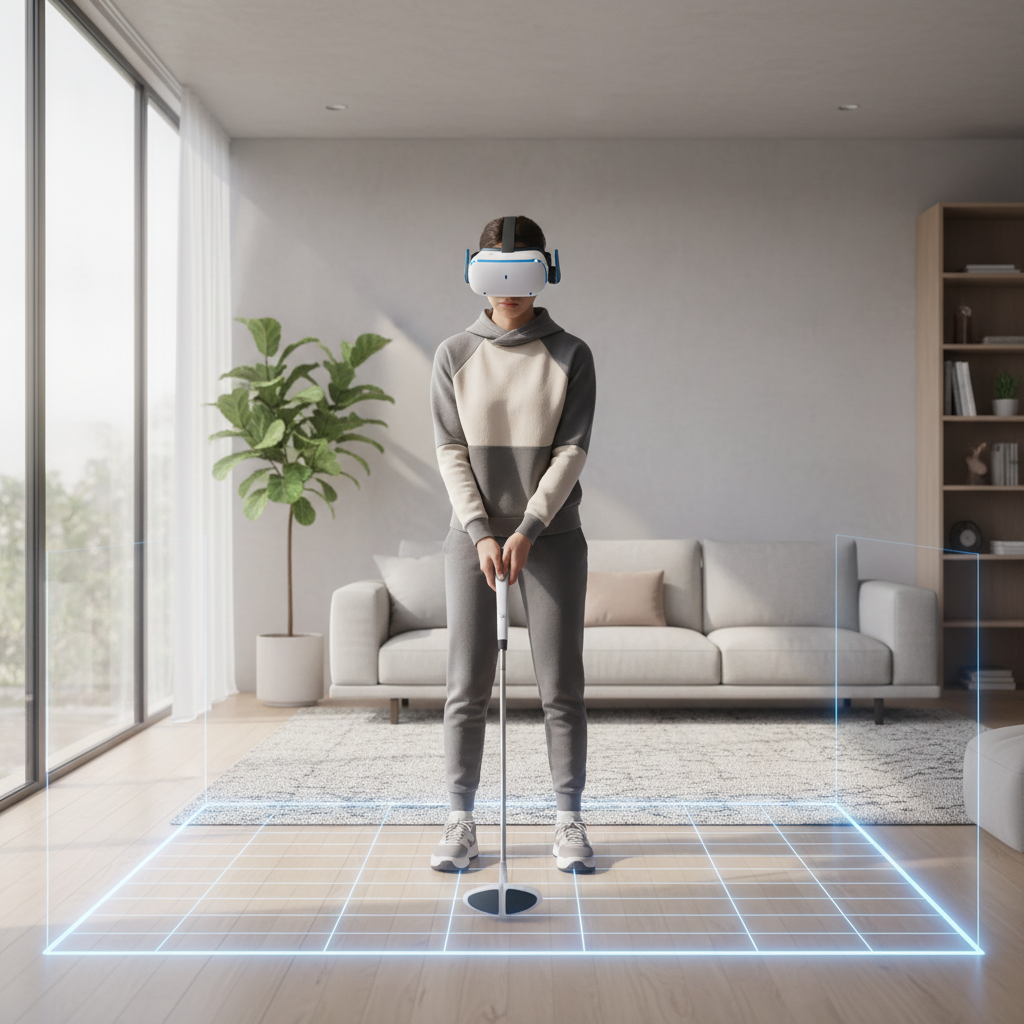
This guide gives you a practical shortlist, a quick self-check to match your play style, and a setup checklist that usually matters more than people expect. I’ll keep it honest where things vary by headset and comfort tolerance.
Key takeaways: great VR golf is about consistent ball physics, reliable tracking in your room lighting, and comfort settings you actually use. Don’t underestimate how much controller grip choice changes your swing path.
What “best” means for VR golf in 2026 (it’s not just realism)
Most players end up sorting games into a few buckets, and your “best” pick comes from knowing which bucket you’ll keep launching a month from now.
- Simulation-leaning: more deliberate tempo, tougher putting, clubs matter, course management feels closer to real golf.
- Arcade-leaning: faster rounds, forgiving swings, fun challenges, less punishment for odd wrist angles.
- Social-first: great lobbies, voice chat tools, mini-games, “hangout” energy, sometimes lighter physics.
- Fitness-first: lots of swings per session, shorter holes, more movement, less downtime.
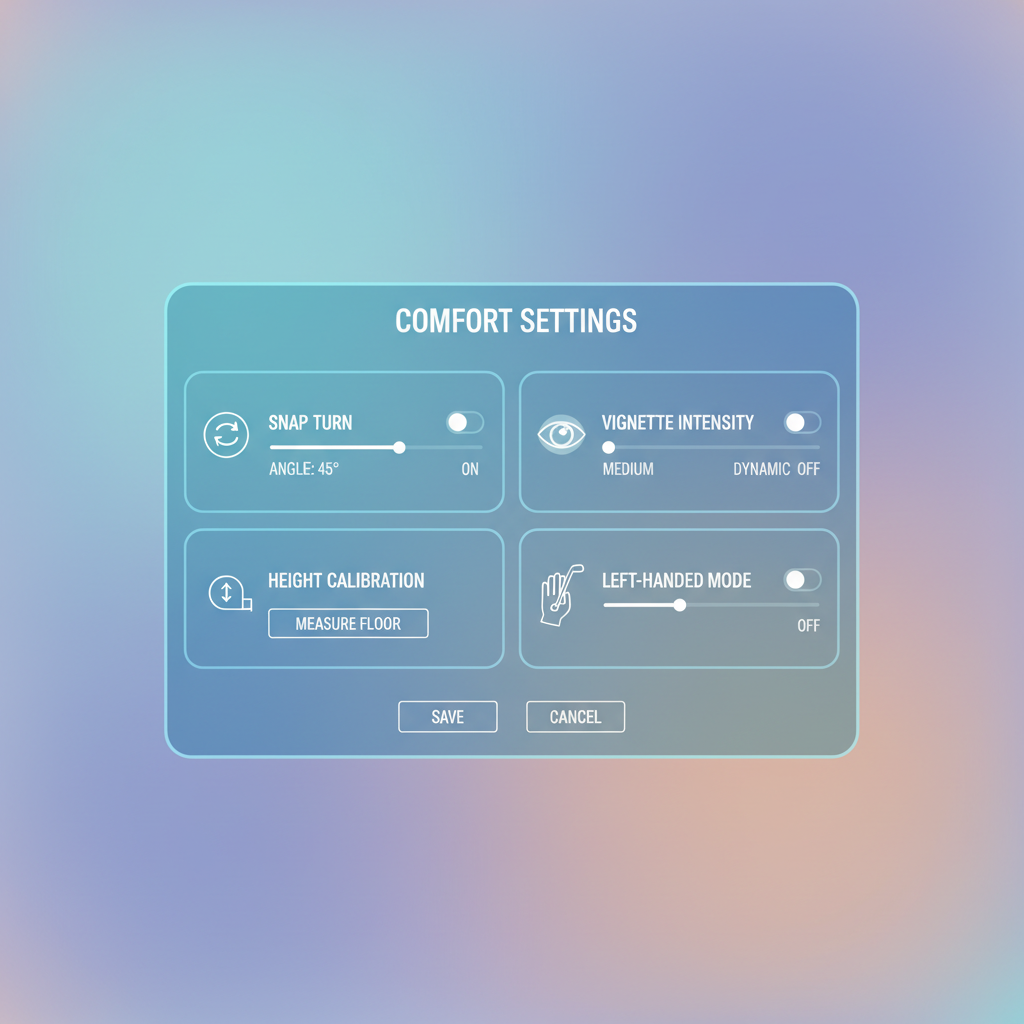
One more “real” factor: comfort. If a game lacks snap turn, vignette, height calibration, or lefty-friendly options, it can be the wrong pick even if reviews look great.
Quick comparison table: top VR golf picks to consider
Because release schedules change and updates can shift quality, treat this as a starting shortlist rather than a permanent ranking. These titles tend to show up in most “best vr golf games 2026” conversations for a reason: they’re playable, supported, and recognizable.
| Game | Best for | Strength | Watch-outs |
|---|---|---|---|
| Golf+ | All-around play, online rounds | Polished feel, strong community | Physics feel can differ by settings and controller grip |
| Walkabout Mini Golf | Relaxed social play | Comfortable, easy to jump into | Mini golf, not full-swing sim |
| PGA TOUR: VR | Tour presentation vibes | Licensed flavor, structured play | Some players prefer a looser “gamey” swing model, YMMV |
| Topgolf with Pro Putt | Casual sessions + party energy | Approachable modes, variety | Not everyone loves the balance between sim and arcade |
| GOLF 5 eClub | Practice loops, club-by-club consistency | Course play with a training vibe | Interface and visuals can feel plain to some |
How to choose in 3 minutes: a simple self-check
If you answer these quickly, you’ll narrow your options fast and avoid the “I bought what Reddit likes” trap.
1) What kind of swing do you want?
- Full swing with rhythm: prioritize games known for consistent ball behavior and calibration tools.
- Short swing, controller-only: choose something forgiving and less punishing on wrist angles.
2) What’s your tolerance for VR motion?
- Low tolerance: you want strong comfort options, stationary play, minimal forced locomotion.
- Fine with movement: you can enjoy free walking courses, replays, and roaming practice areas.
3) Do you care about multiplayer?
- Yes: look for stable lobbies, private rooms, and friendly matchmaking tools.
- No: single-player progression and practice modes matter more than voice features.
According to the American Academy of Ophthalmology, VR can contribute to eye strain for some users, so if you’re sensitive, prioritize shorter sessions and comfort settings, and consider asking a clinician if you have underlying vision concerns.
Why VR golf sometimes feels “off” (and what’s usually causing it)
A lot of frustration that gets blamed on “bad physics” is actually setup, space, or grip. Not always, but often enough that it’s worth checking before you refund.
- Controller alignment: small differences in how a game maps controller angle to club face can exaggerate slices or pulls.
- Room lighting and tracking: harsh sunlight, reflective TVs, or dim rooms can reduce tracking stability.
- Play boundary too tight: you unconsciously “baby” the swing to avoid hitting a wall, so tempo changes.
- Height/floor calibration: if the floor is off by even a little, putting distance and iron contact can feel wrong.
- Grip mismatch: using a golf-handle accessory can help some players, but can also worsen tracking if it blocks sensors or encourages awkward wrist rotation.
Also, different headsets and controller designs feel different. A title that’s top-tier on one platform can feel merely okay on another, especially around putting and short chips.
Setup and settings that make a bigger difference than switching games
Before you chase another “best vr golf games 2026” list, try this. It’s not glamorous, but it’s usually where the easy wins are.
Dial in your space
- Clear a wider radius than you think you need, especially behind you for backswings.
- Stabilize lighting: avoid direct sun on sensors/cameras, and reduce mirror or TV reflections.
- Mark a stance spot on the floor so your ball position stays consistent session to session.
Use calibration tools every time something changes
- Re-run floor height after moving rugs, changing rooms, or switching shoes.
- Confirm dominant hand and handedness, a surprising number of people leave this wrong.
- Adjust club length / offset if the game offers it, especially for putting.
Comfort settings that keep you playing longer
- Snap turn often reduces discomfort versus smooth turning for many players.
- Vignette can help if you’re prone to motion sickness, though it reduces immersion a bit.
- Teleport movement is worth using even if you think you “should” handle smooth locomotion.
According to the Meta Quest Safety Center, you should take regular breaks and maintain a clear play area to reduce collision risk. If you feel dizziness or nausea, stopping early tends to work better than “pushing through.”
Game-by-game buying guidance (what each one is really good at)
This section is intentionally opinionated, because shopping advice without trade-offs is basically noise.
Golf+
- Pick it if: you want a full round feel, repeatable swings, and active multiplayer.
- You’ll like it more if: you’re willing to tweak grip/putting settings instead of assuming defaults are perfect.
- Potential friction: some players need time to adapt to how the game reads face angle at impact.
Walkabout Mini Golf
- Pick it if: you want low-stress sessions, easy social play, and comfort that rarely fights you.
- You’ll like it more if: you treat it like mini golf night, not a swing trainer.
- Potential friction: if you want driver/iron nuance, it won’t scratch that itch.
PGA TOUR: VR
- Pick it if: you enjoy a more “broadcast” vibe and structured play loops.
- You’ll like it more if: you’re okay learning its swing timing and using practice modes.
- Potential friction: expectations can be high because of the name, so judge it on feel, not branding.
Topgolf with Pro Putt
- Pick it if: you want variety, quick modes, and something guests can understand fast.
- You’ll like it more if: you prefer “fun first” physics and don’t mind a lighter sim vibe.
- Potential friction: if you’re chasing serious course strategy, you may outgrow it.
GOLF 5 eClub
- Pick it if: you want practice structure and a more deliberate pace.
- You’ll like it more if: you enjoy repeating drills and dialing distances.
- Potential friction: presentation can feel utilitarian compared with flashier titles.

Practical tips to get better fast (without turning it into homework)
Better scores usually come from making your swing repeatable in VR, not from swinging harder. Two small changes often move the needle.
- Slow down the backswing, then accelerate smoothly. Jerky transitions confuse tracking and face angle.
- Pick one grip style and stick to it for a week. Constantly changing controller position kills consistency.
- Practice putting in short blocks: 5 minutes beats 30 minutes of frustrated grinding.
- Use visual aids if available: aim lines, ball trail, or impact feedback, then reduce assists later.
- Set a “VR round” goal: like “no 3-putts” or “hit fairway on 6 holes,” not just total score.
If you feel shoulder or wrist pain, scale session length and consider asking a medical professional, especially if you have prior injuries. VR golf can be sneaky because the effort feels light until it doesn’t.
Conclusion: a simple way to pick your best VR golf game
The best VR golf game for your 2026 lineup is the one you’ll actually launch regularly: comfortable enough to keep playing, consistent enough to trust your swing, and social enough only if you want it.
If you want one quick action, choose one title from the table, spend 20 minutes on calibration and comfort settings, then play two short sessions before you judge it. That small buffer often turns “meh” into “this is my go-to.”
FAQ
What is the best vr golf games 2026 pick for beginners?
For many beginners, a comfort-forward game with easy onboarding tends to stick. If you’re new to VR, prioritize smooth setup, clear calibration, and low frustration putting, then move toward deeper sim titles once you trust your swing.
Which VR golf game feels most realistic?
“Realistic” usually means consistent ball behavior and believable club face response. Simulation-leaning titles can feel closer to real golf, but realism still depends on your controller grip, tracking quality, and calibration accuracy.
Do I need a golf club attachment for VR golf?
No, and plenty of strong players stay controller-only. A club attachment can help with tempo for some people, but it can also add weight and change tracking, so it’s worth testing only after you’re consistent with the default setup.
Why do I slice so much in VR golf compared with real life?
Often it’s controller face angle at impact, not your “real” swing. Try adjusting grip position, redoing height calibration, and using swing feedback tools; many games are sensitive to wrist rotation you don’t notice.
Is VR golf good exercise?
It can be light-to-moderate activity depending on how long you play and how big your swings are, but it varies a lot by game mode. If you’re using VR for fitness goals, consider mixing golf with more active titles.
How do I reduce motion sickness in VR golf games?
Use snap turning, teleport movement, and vignette if offered, and keep sessions short at first. If symptoms persist, it may be worth consulting a professional, especially if you have a history of vertigo or migraines.
What should I check before refunding a VR golf game?
Recalibrate floor height, confirm handedness, stabilize room lighting, and try a different grip style for one session. If it still feels inconsistent after those fixes, it’s more likely a true fit issue with the game’s swing model.
If you’re trying to build a small “VR sports” library and want a more tailored recommendation, it can help to list your headset model, your room size, and whether you prefer solo practice or multiplayer rounds, then pick from the shortlist with those constraints in mind.