
Best gaming chair for long hours comes down to fit, support, and adjustability more than hype, and you can usually tell in five minutes whether a chair will help or quietly wreck your posture.
If you sit for work, school, and gaming, the “cool-looking” chair that feels fine at first often turns into shoulder tension, a sore tailbone, or a low-back ache two weeks later. A good chair won’t magically fix everything, but it can reduce the strain you stack up across long sessions.
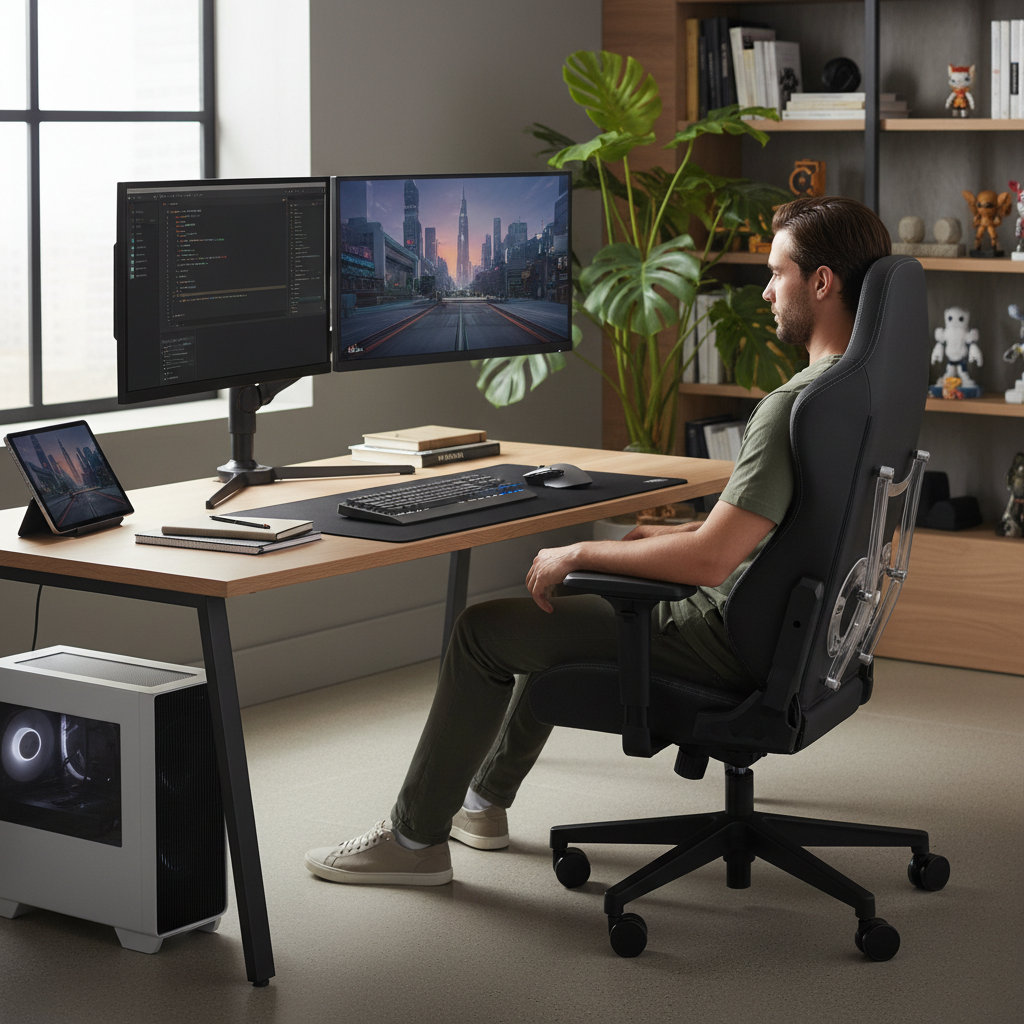
This guide focuses on what matters when you’re parked for hours: lumbar support that actually matches your spine, a seat that doesn’t cut off circulation, and adjustments you’ll use every day. I’ll also point out a few “features” that sound premium but often don’t change comfort much.
What makes a gaming chair comfortable for long hours
Comfort over long sessions is mostly pressure management and joint positioning, not the logo on the headrest. A chair that holds you in a neutral posture reduces the need for your muscles to brace all day.
- Real lumbar support: Ideally adjustable in height and depth, so it meets your lower back instead of pushing your whole torso forward.
- Seat shape and foam: Medium-firm foam tends to hold up better than very soft foam that “bottoms out.” A waterfall front edge helps reduce thigh pressure.
- Correct seat height range: Feet flat, knees around 90 degrees, thighs supported without the seat digging in.
- Armrest adjustability: Height plus width or pivot helps you keep shoulders relaxed while using keyboard, controller, or phone.
- Backrest and recline feel: Smooth recline with a stable base matters more than an extreme 180-degree spec.
- Breathability: If you run warm, mesh or breathable fabric can matter more than you expect.
According to OSHA, good workstation ergonomics aims to reduce musculoskeletal strain by keeping the body in neutral positions and minimizing sustained awkward postures, which is exactly what long sitting sessions tend to create.
Quick comparison table: what to look for (and why it matters)
If you’re scanning product pages, use this as a translation layer between marketing and real comfort.
| Feature | What “good” looks like | Why it matters for long hours |
|---|---|---|
| Lumbar support | Height + depth adjustable, or a well-shaped integrated curve | Reduces low-back fatigue and slouching |
| Seat depth | 2–3 fingers of space behind knees | Avoids pressure behind knees, helps circulation |
| Seat width | Enough room to shift without hitting side bolsters | Less hip pressure, easier micro-movements |
| Armrests | At least 3D, ideally 4D with solid lock | Protects shoulders and wrists during long play |
| Upholstery | Breathable fabric or quality mesh; leather/vinyl runs warmer | Heat and sweat make “comfortable” feel unbearable |
| Base + casters | Stable five-star base; smooth casters for your floor type | Stability improves recline comfort and safety |
Self-check: are you buying for the right problem?
Most people search for the best gaming chair for long hours because something already hurts. Pin down the pain pattern first, because it changes what you should prioritize.
- Low-back ache after 1–2 hours: Often lumbar support mismatch, seat depth too long, or monitor height pulling you forward.
- Tailbone soreness: Seat foam too firm or too thin, poor pressure distribution, or you’re perching on the edge.
- Upper-back/neck tension: Armrests too low, desk too high, or you’re craning toward the screen; head pillows rarely fix this alone.
- Numb legs/feet: Seat height too high, front edge too sharp, or seat depth too long.
- Hot and sweaty: Upholstery choice and room airflow, not “ergonomic rating.”
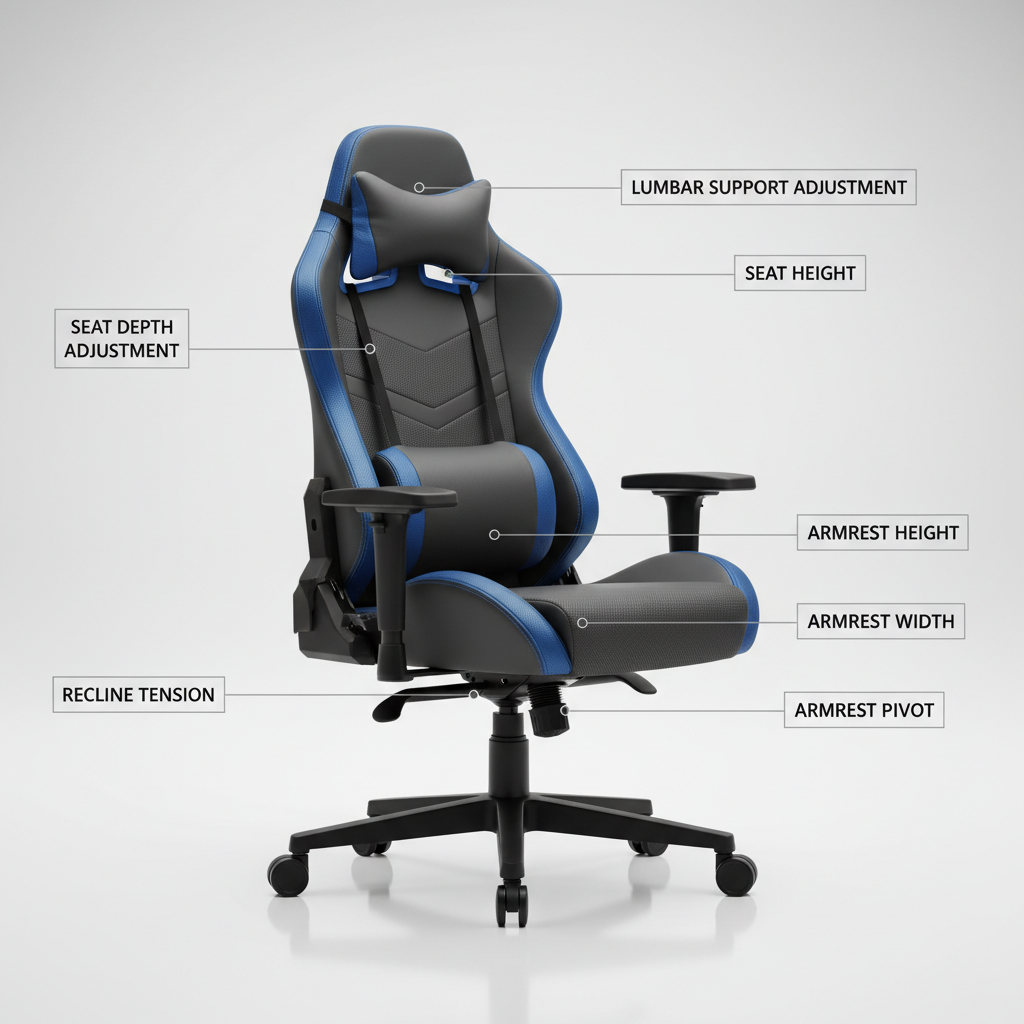
If you’re unsure, start with seat height and armrests. When those are wrong, even an expensive chair feels “off” and you end up compensating with your shoulders and hips.
How to choose the best gaming chair for long hours (step-by-step)
Shopping online is tough because comfort is personal, but you can reduce guesswork with a simple order of operations. Don’t chase every feature at once, lock in the basics.
1) Match the chair to your body size (not the other way around)
- Check the recommended height/weight range, but also look at seat width and seat depth.
- If you have wider hips or like to sit cross-legged sometimes, be cautious with aggressive side bolsters.
- If you’re shorter, seat depth becomes a big deal, because dangling legs and back slouch often come as a package.
2) Prioritize lumbar support you can tune
Many “gaming” chairs include a removable lumbar pillow, which can work for some people but often shifts. Adjustable lumbar (built-in) tends to stay where you set it, which matters when you move around mid-game.
3) Get armrests that actually meet your setup
- Keyboard/mouse players typically need armrests that come up and in enough to support forearms without shrugging.
- Controller players often benefit from armrests that pivot inward, so elbows can relax close to the torso.
- If your desk edge blocks armrests from sliding under, you may prefer lower-profile arms or a chair with better vertical range.
4) Choose upholstery based on your room and habits
PU “leather” looks clean in photos, but can run warm and may peel over time depending on quality and humidity. Fabric and mesh often feel better for long sessions, especially if your room gets warm.
5) Don’t ignore the “boring” parts
- Tilt mechanism: A smooth, predictable tilt feels more supportive than a stiff, jerky recline.
- Warranty and parts: Long sitting means more wear, so armrest pads and casters matter.
- Return policy: Comfort can’t be fully predicted from specs.
Setup tips that make a bigger difference than upgrading your chair
Even the best gaming chair for long hours can feel mediocre in a bad setup. Small adjustments reduce strain fast, and they’re usually free.
- Seat height: Feet flat, don’t tuck one leg under you for hours. If you can’t reach the floor, add a footrest.
- Seat depth: Scoot back so your back contacts lumbar support, keep a small gap behind knees.
- Armrests: Raise until shoulders feel heavy and relaxed, not lifted. If armrests force shoulders up, lower them and consider adding a desk-mounted arm support.
- Monitor position: Top of screen roughly at eye level, at an arm’s length distance in many cases, adjust based on eyesight and comfort.
- Micro-breaks: Stand, stretch, or just change position briefly. According to CDC guidance on reducing sedentary time, breaking up long sitting periods supports health, and it often helps comfort too.
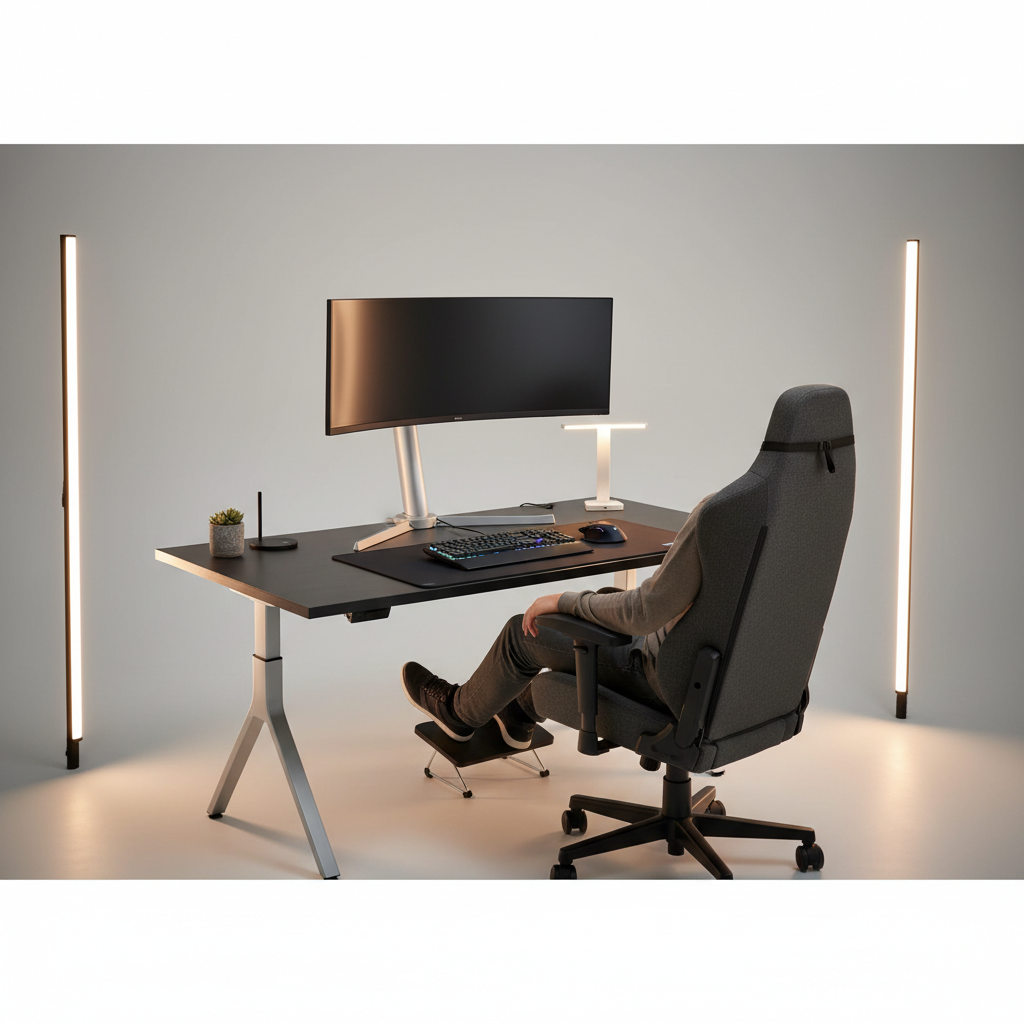
One more practical tip, if you recline a lot, increase recline tension a touch so you’re supported rather than “hanging” on the backrest, that hanging sensation often shows up later as low-back fatigue.
Common mistakes people make when buying a chair for long sessions
- Buying for looks first: Racing-style side bolsters can feel restrictive if you shift positions often.
- Overvaluing the head pillow: Neck discomfort is frequently a screen and armrest problem, not a pillow problem.
- Assuming “firm” equals supportive: Too firm can create pressure points, especially on the tailbone.
- Ignoring desk height: If the desk is too high, shoulders will creep up no matter what chair you buy.
- Skipping floor compatibility: Hard casters on hardwood can make you subconsciously brace, a chair mat or softer casters can help.
If you’re stuck between two models, pick the one with better adjustability and a cleaner return path. Specs are helpful, but your body is the real test.
When discomfort may need professional input
If you have persistent pain, numbness, tingling, or symptoms that worsen over time, a chair upgrade may not be the right “fix.” In those situations, it’s reasonable to talk with a healthcare professional such as a physical therapist, especially if you’ve had prior injuries or back issues.
Also, if you’re dealing with a work-from-home setup for long hours, an ergonomic assessment can be surprisingly practical, because it looks at chair, desk, monitor, and habits together rather than blaming a single product.
Key takeaways + a practical conclusion
If you want a chair that holds up through long sessions, focus on adjustable lumbar support, correct seat depth, and armrests that match your desk, then fine-tune your setup so you’re not fighting the chair all day.
- Use the self-check list to identify your main discomfort pattern, then shop features that address that pattern.
- Prioritize adjustability and return policy over flashy extras, it’s the safer bet for long-term comfort.
If you’re shopping this week, pick two or three candidates, compare them against the table above, and plan a 30–60 minute “real session” test as soon as the chair arrives. That’s usually when the truth shows up.
FAQ
What is the best gaming chair for long hours if I have lower back pain?
Look for lumbar support you can adjust in height and depth, plus a seat depth that lets you sit back without pressure behind your knees. If pain persists, consider professional advice since chair changes may not address the root cause.
Is a gaming chair better than an ergonomic office chair for long sitting?
It depends on the model. Many ergonomic office chairs prioritize breathable materials and posture-friendly shapes, while some gaming chairs prioritize style and recline. For long hours, the better pick is usually the one with stronger adjustability and a seat that fits your body.
Should I choose mesh, fabric, or leather for long sessions?
Mesh and fabric often feel cooler and more forgiving over time, especially in warm rooms. Leather or PU can be easier to wipe clean but may run hotter, so comfort can vary by climate and personal preference.
How do I know if the seat is too deep?
If the chair forces you to slide forward to avoid pressure behind your knees, it’s usually too deep. A small gap behind the knees helps circulation and makes it easier to keep your back supported.
Are 4D armrests really worth it?
They can be, if you switch between keyboard, controller, and relaxed positions, because you can move the pads to support your forearms without shrugging. If your desk height is fixed and your posture is consistent, 3D may be enough.
What’s a simple way to reduce fatigue without buying a new chair?
Raise your monitor to reduce neck jutting, set seat height so feet are supported, and take short movement breaks. Those three changes often improve comfort faster than swapping chairs.
Can a footrest help with long hours of gaming?
Yes, in many cases, especially if your chair height is set for desk ergonomics but your feet don’t rest flat. A footrest can reduce leg pressure and help you sit back into the lumbar support.
How long should I test a chair before deciding to keep it?
A quick sit test catches obvious issues, but a longer session reveals pressure points and heat buildup. If possible, do at least a few multi-hour sessions within the return window.
If you’re trying to pick the best gaming chair for long hours without drowning in specs, a simple shortlist method works well: choose models that match your body size, have real lumbar adjustability, and offer a return policy you’re comfortable using, then test them with your exact desk setup.